Day 0 — 14
Download & install. Full features. No account, no card.
The dedicated software photo-magnet operators have been waiting for. Simple to use, fast and high-quality — with automatic exposure correction, smart framing, keyboard shortcuts and everything else you need to keep up with the pace of a live event.

סקירה מלאה של התוכנה — כל הפיצ'רים בקצב שלכם.
Download & install. Full features. No account, no card.
Trial ends. Fill in the activation form (username, email, device id) to extend by 30 days at no charge.
30-day free promo ends. We start your paid subscription (monthly or yearly — your pick).
Click Cancel — auto-renew turns off, access stays through your paid period.
Speed, quality, reliability — and none of the cloud-uploading nonsense.
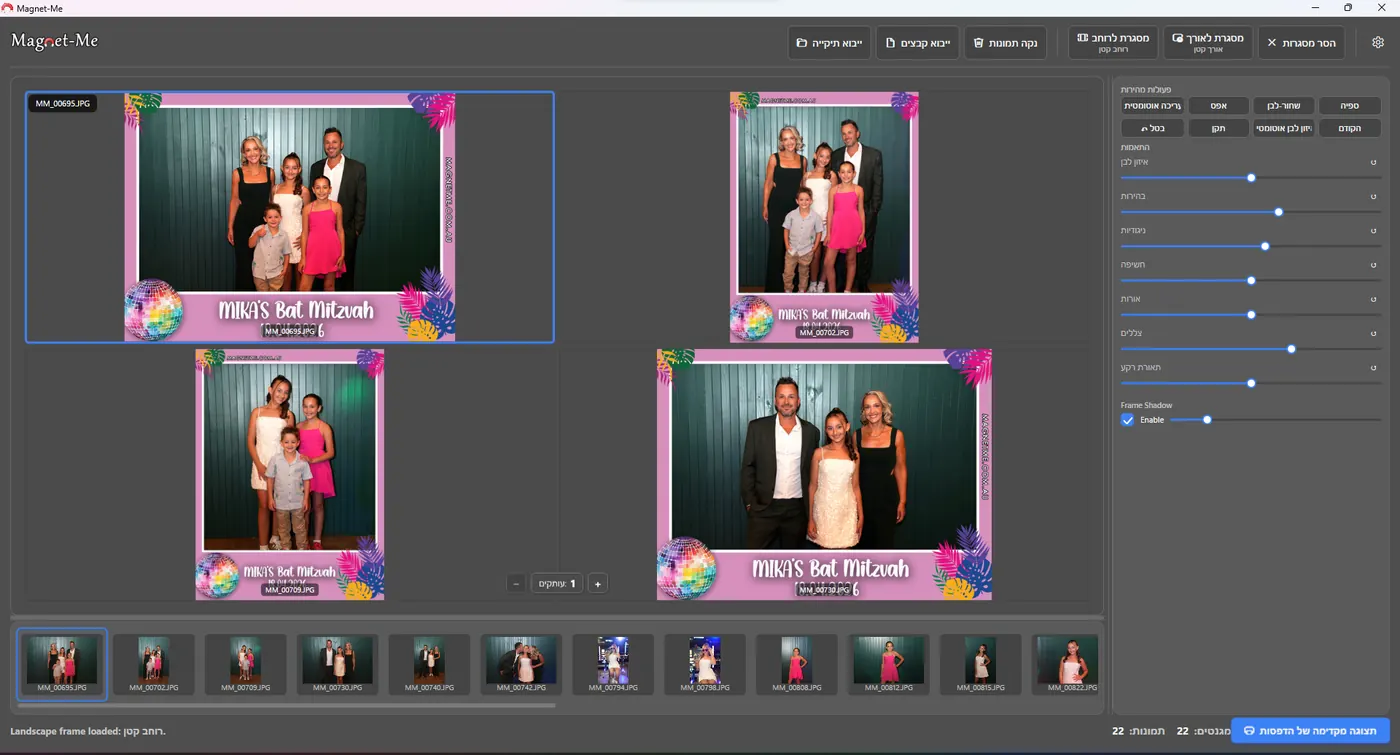
Frame, edit, duplicate copies and send to the printer from one screen — keeping up with the pace of the event itself.
One-click correction balances white, lifts shadows and recovers highlights so every photo comes off the printer looking its best — no slow manual editing between guests.
Verified colour presets for DNP, Citizen and Mitsubishi printer families — calibrated for the unit you have, not a generic profile.
Magnet-Me picks the correct frame template automatically — a landscape frame for landscape photos, a portrait frame for portrait shots. Every magnet comes out framed correctly with zero manual setup.
Drag-drop a folder, plug in an SD card, or pull straight from the camera. Add more photos any time during the event — Magnet-Me merges new shots into your active session without restarting.
DNP DS-RX1 / DS620 / DS820 / QW410, Citizen CX / CTD150, Mitsubishi CP-D70 / D80 / D90 / K60 — plus any Windows printer driver with custom paper sizes.
Per-event print counts, totals, magnet-per-guest metrics. Hand the client a CSV after the gig.
Full RTL layout for Hebrew operators, LTR for English. Switch the language anytime — your event data stays put.
Design custom frames inside the app, export them as PNG and use them in the print flow the same day. Currently included with every subscription at no extra cost.
Print a single test sheet, nudge offsets in 0.1 mm steps until the image sits perfectly on the paper, and save it into your preset. Dial it in once.
Auto-Save on Print keeps every rendered magnet — frame included — in a folder named after the event, ready to hand to your client after the gig.
Set your price per magnet size, see totals for every event, and print a summary receipt for the client on the spot.
Photos land on the left, framed and ready. Pick, tweak exposure if you want, set copies, hit print — and move to the next guest. No mode switching, no menus to dig through mid-event. התמונות נכנסות, ממוסגרות ומוכנות. בוחרים, מכוונים חשיפה אם צריך, קובעים כמות עותקים ומדפיסים — ועוברים לאורח הבא. בלי להחליף מסכים ובלי לחפש בתפריטים באמצע אירוע.
"Open, import, print — all within seconds. At a packed event, that's exactly what I needed." "פותח, מייבא, ומדפיס תוך שניות. באירוע עמוס — בדיוק מה שהייתי צריך."
"You don't need to be good with computers. At my very first event I was printing magnets like a veteran." "לא צריך להיות מבין במחשבים. כבר באירוע הראשון הדפסתי מגנטים כמו ותיק."
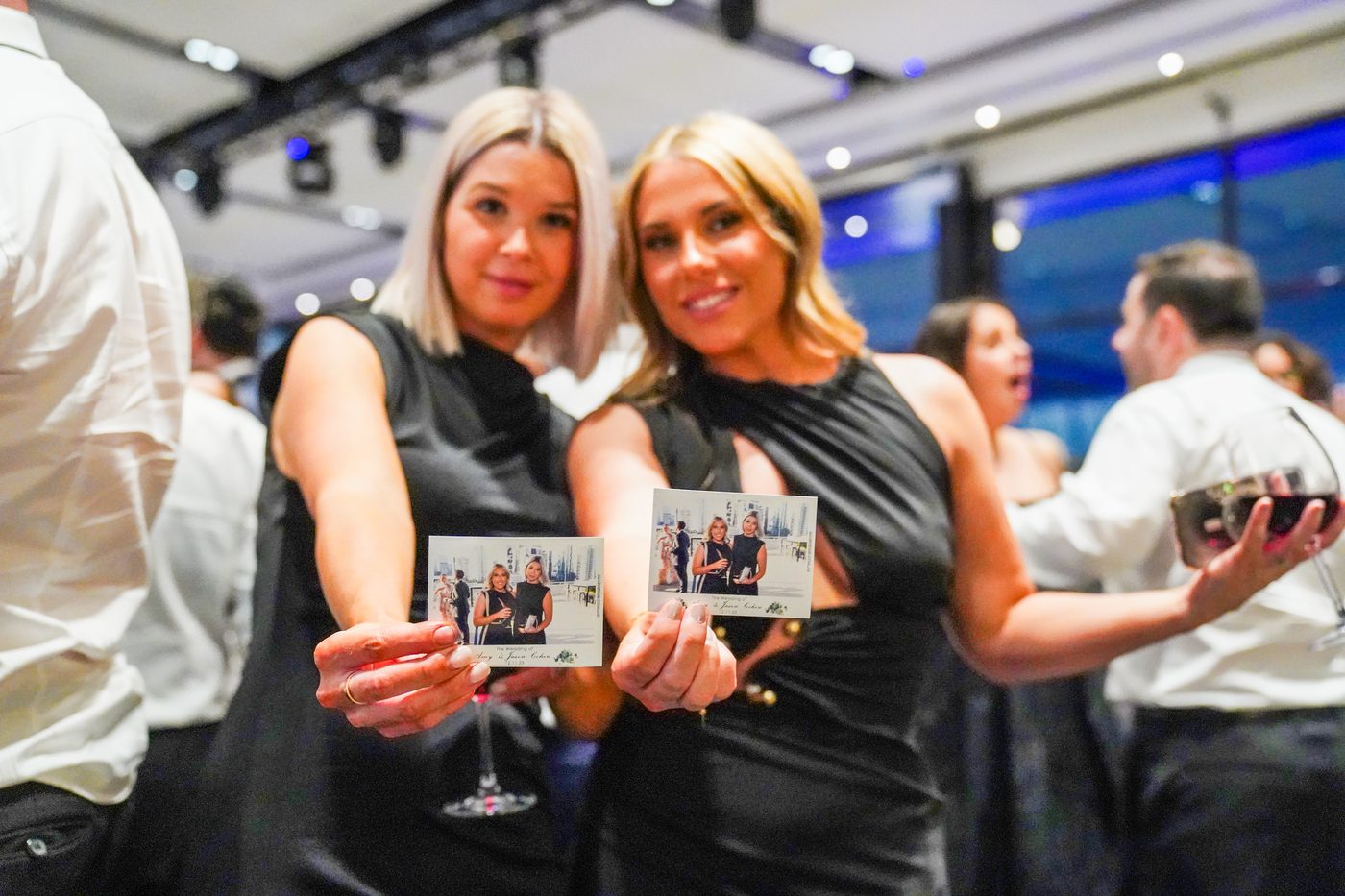
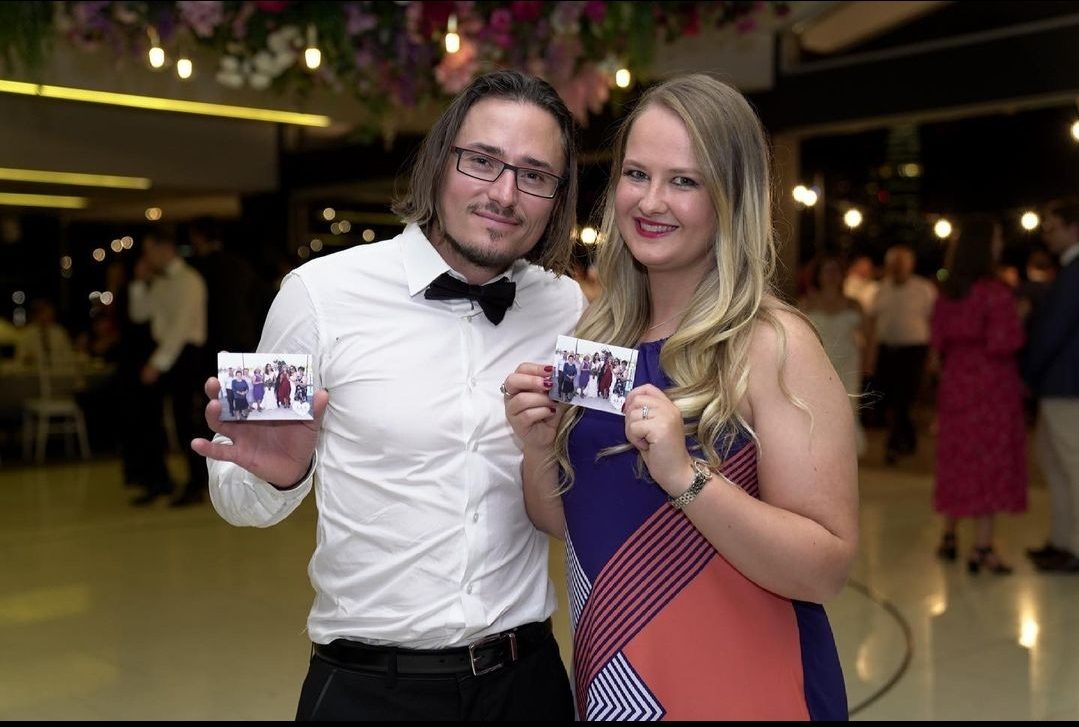
"Guests are crazy about it. Everyone wants to take a magnet home." "האורחים מתים על זה. כל אחד רוצה לקחת מגנט הביתה."
"I run it in Vienna with no problem — flows smoothly even in venues with no internet." "מפעיל את זה בוינה בלי בעיה — זורם חלק גם באולמות בלי אינטרנט."
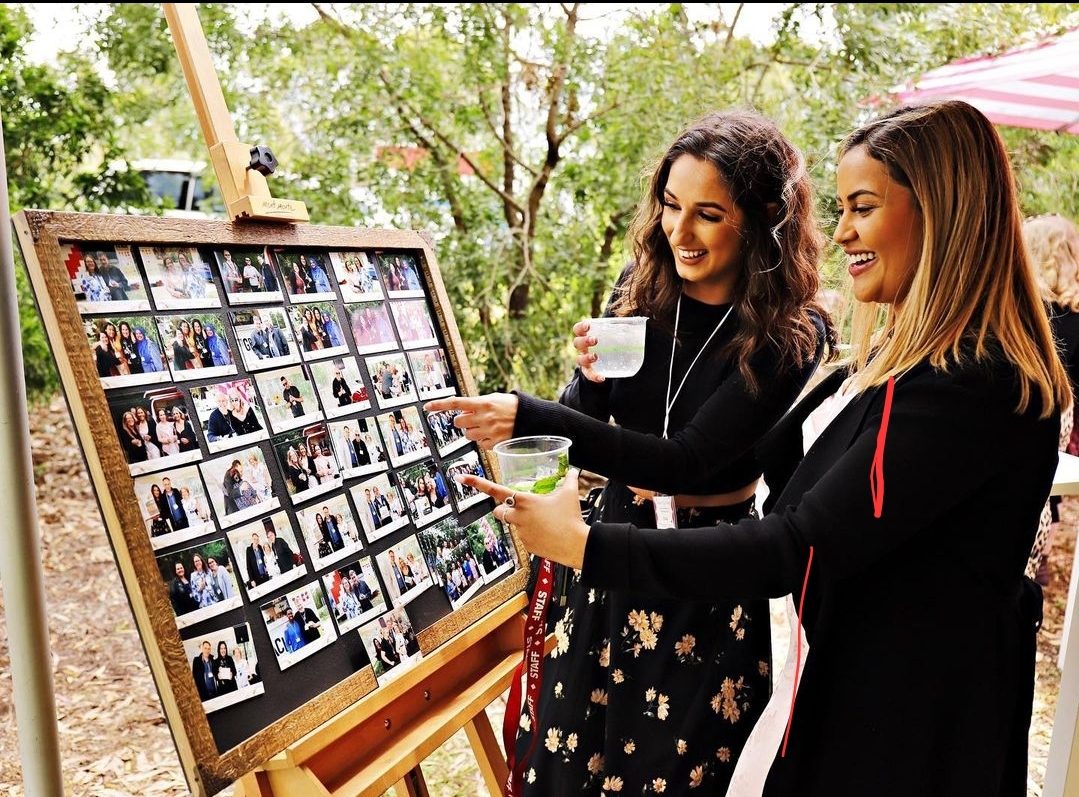
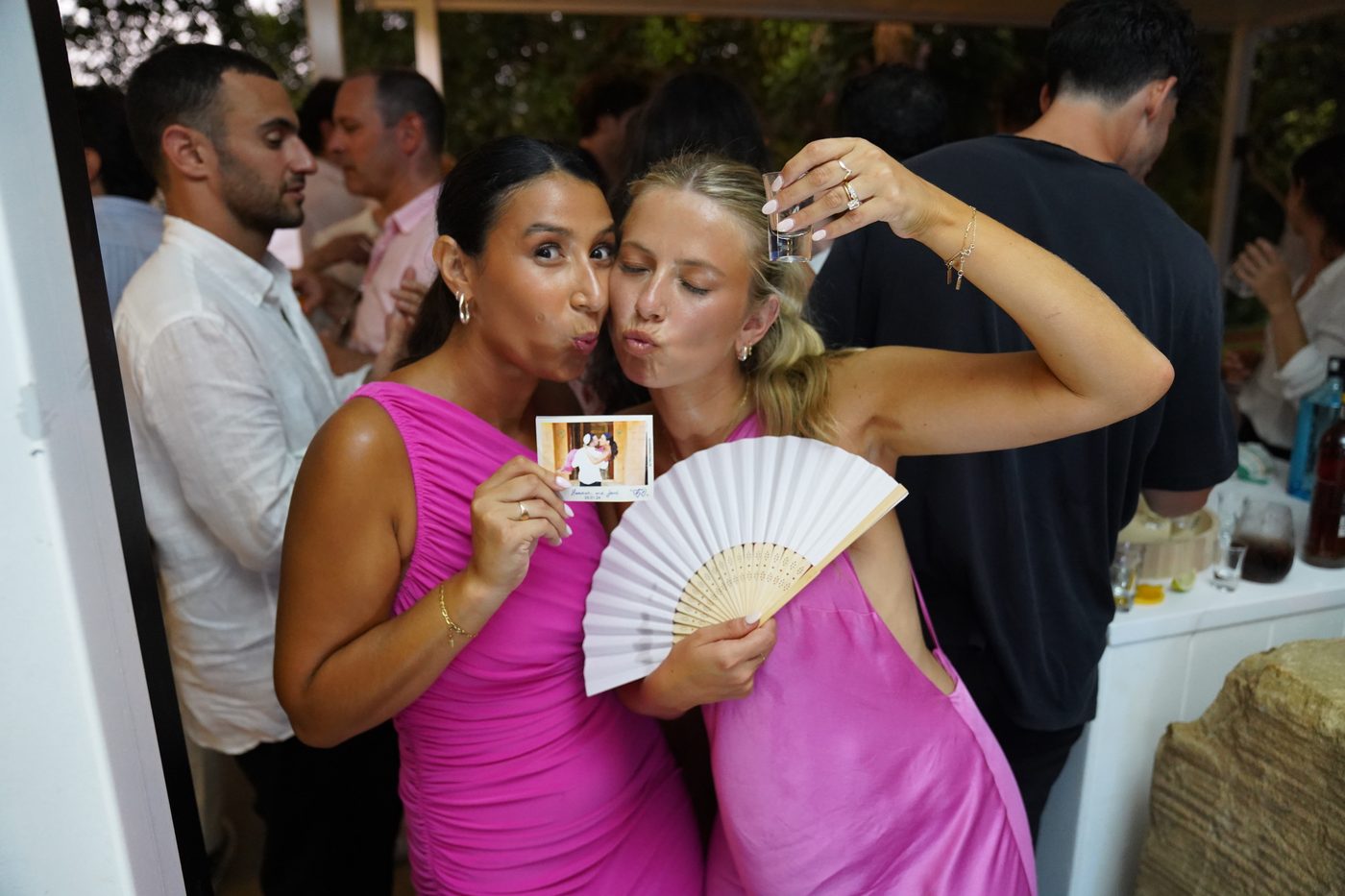
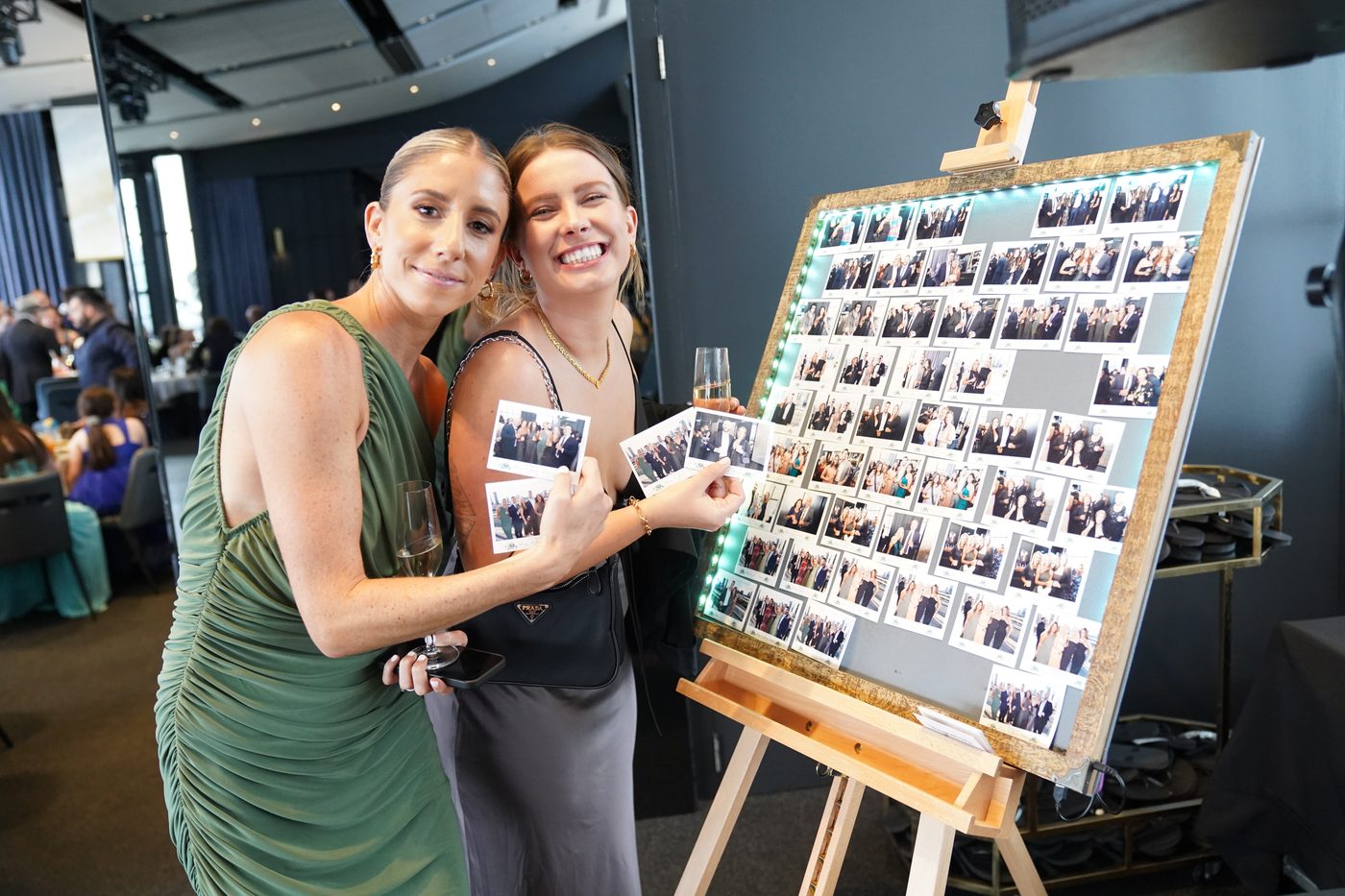
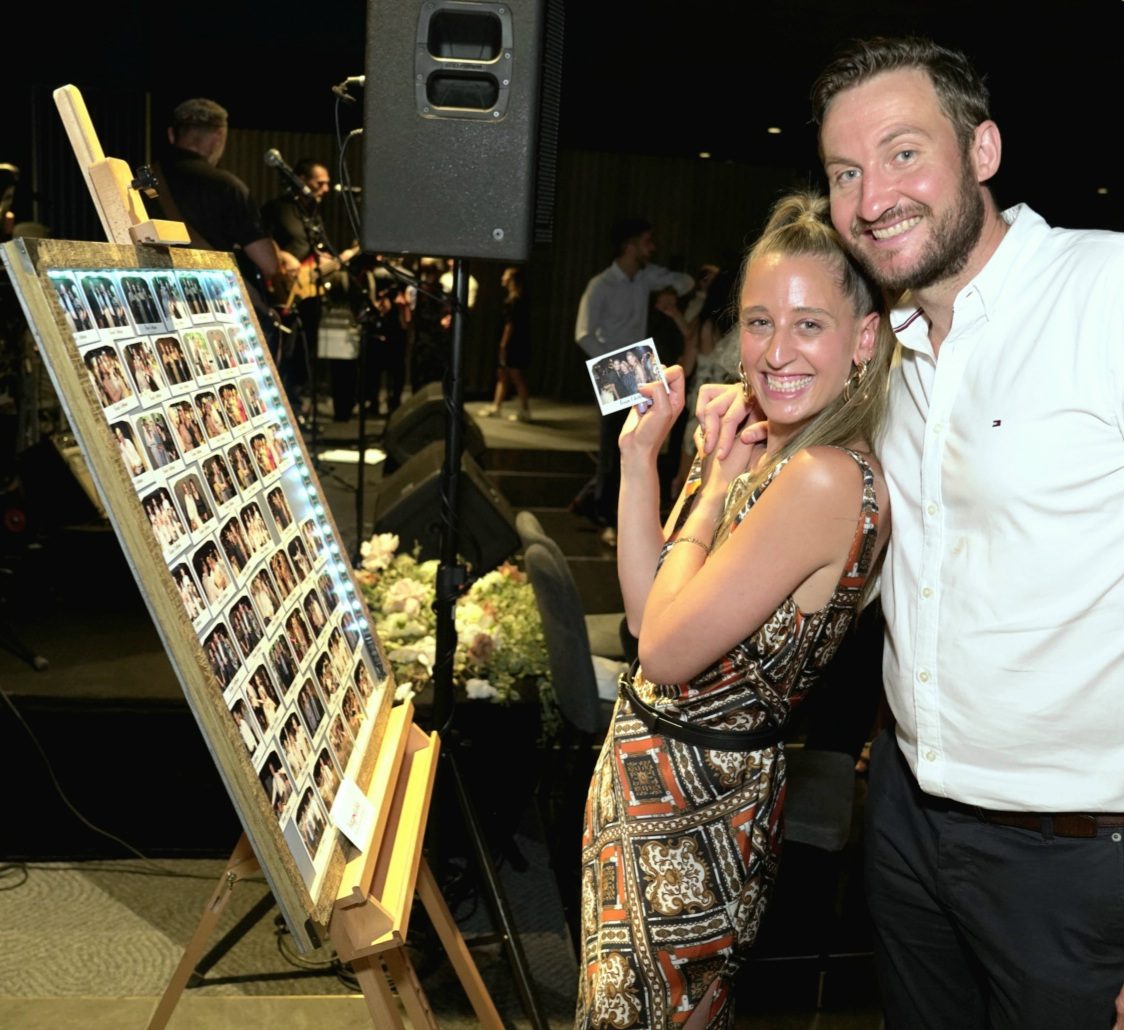
Short step-by-step videos: your first event, branding setup, printer profiles, and the sign-up flow.
The questions most photographers ask before their first event. The full list lives on the FAQ page.
No. Download the installer, run it, and you have 14 days of full access — no signup, no payment details, no email required.
Activate (name, email, device id) and we extend your access by another 30 days free. After that, we start the paid subscription on the plan you chose.
Auto-renewal turns off, but your access stays active through the period you've already paid for. Monthly: end-of-month. Yearly: end-of-year. No further charges after that.
Verified families: DNP DS-RX1, DS620, QW410 · Citizen CTD150, CX · Mitsubishi CP-D70, CP-D90, CP-K60. Plus Microsoft Print to PDF for simulation. Custom paper sizes are supported on any Windows printer driver.
No. Magnet-Me runs entirely on your laptop. Internet is only needed for the initial download and the optional licence sync.
Yes — Magnet-Me is available for macOS as a universal DMG (~44 MB), alongside Windows. Questions or issues? Email magnetmesupp@gmail.com.
Yes, both. Load your own frame packs (transparent PNG overlays), or create frames in the built-in Frame Designer and use them in the print flow right away. The Frame Designer is free for a limited time — no extra cost right now. כן, גם וגם. טוענים חבילות מסגרות משלכם (שכבות PNG שקופות), או מעצבים מסגרות במעצב המסגרות המובנה ומשתמשים בהן בהדפסה מיד. מעצב המסגרות חינם לזמן מוגבל — בלי תוספת מחיר כרגע.
Every plan unlocks every feature. The only difference is how you pay.
14 + 30 days on the house.
Pay as you go, cancel anytime.
One charge a year, two months effectively free.